Video to Video
Kling 2.6 Pro Motion Control
Transfer motion from reference videos to character images.
Hint: You can drag and drop a file or click to upload
Hint: You can drag and drop a file or click to upload
ตัวอย่าง
Input
Video
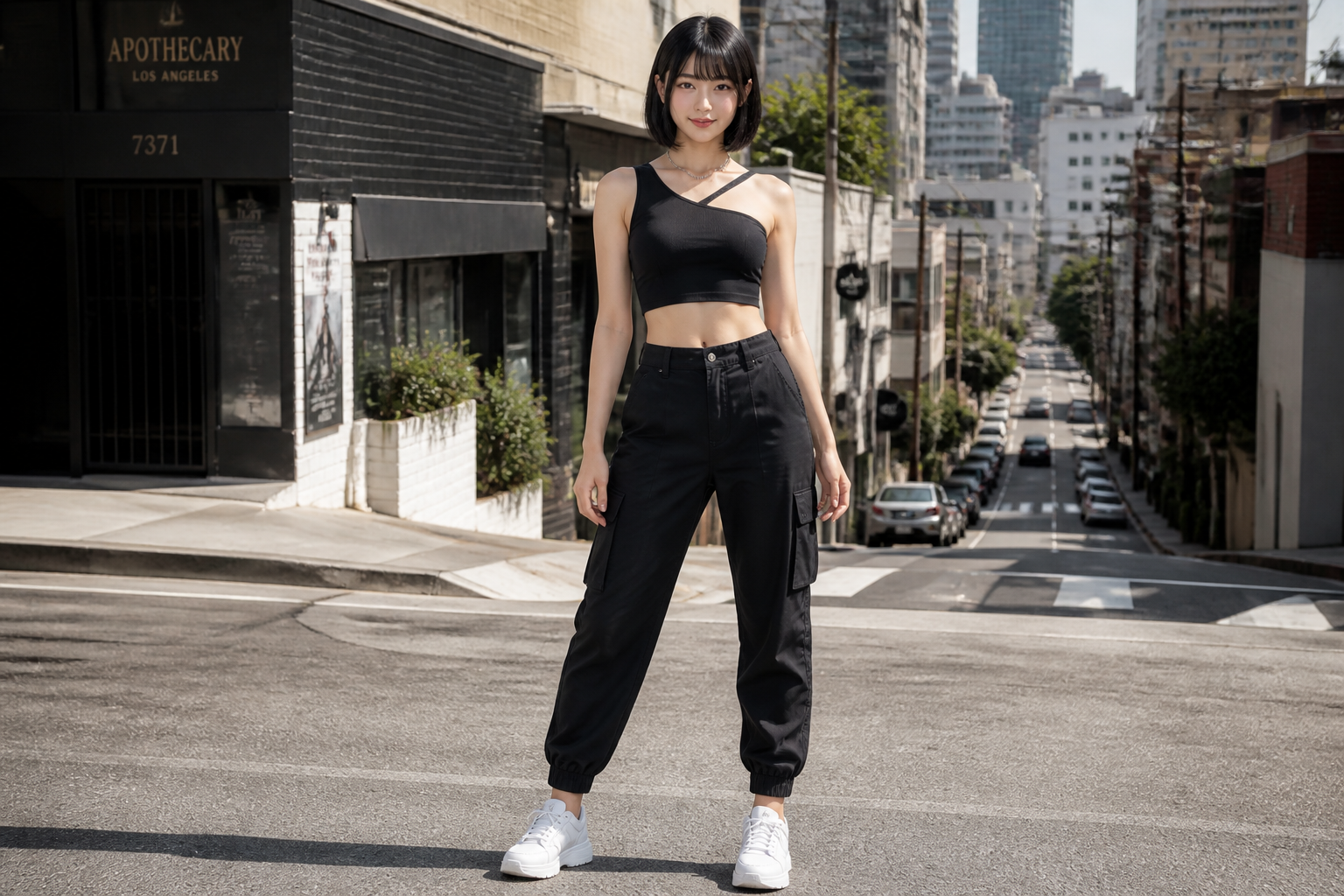 Input
Inputผลลัพธ์ตัวอย่างแสดงด้านบน พรอมต์และการตั้งค่าถูกกรอกไว้แล้วทางซ้าย
คิดค่าบริการต่อวินาทีของวิดีโอที่คุณอัปโหลด: 720P $0.07/s · 1080P $0.112/s.
โมเดลที่เกี่ยวข้อง
README
Kling / Kling 2.6 Pro Motion Control — Video to Video (kling-v2-6-motion-control)
Kling 2.6 Pro Motion Control ถ่ายโอนการเคลื่อนไหวจากวิดีโออ้างอิงไปยังรูปตัวละคร สร้างแอนิเมชันที่ราบรื่นและสมจริงพร้อมรักษาอัตลักษณ์
จุดเด่น
- •ถ่ายโอนการเคลื่อนไหว – ถ่ายโอนการเต้น ท่าทาง และแอ็กชันไปยังตัวละคร.
- •รักษาอัตลักษณ์ – รักษารูปลักษณ์ตัวละครตลอด.
- •ระยะเวลายืดหยุ่น – สูงสุด 30 วินาทีพร้อมทิศทางวิดีโอ.
- •รองรับเสียง – ตัวเลือกเก็บเสียงต้นฉบับจากภาพอ้างอิง.
พารามิเตอร์
- •image* – Character reference image
- •video* – Motion reference video
- •prompt – Scene styling prompt (e.g., "cinematic lighting, golden hour")
- •resolution – Output resolution
- • 720P
- • 1080P
- •character_orientation – Character orientation mode
- • Video - Match reference video (up to 30s)
- • Image - Match reference image (up to 10s)
ราคา
$0.35 ต่อการสร้าง
| ความละเอียด | ราคา |
|---|---|
| 720P | $0.07/s |
| 1080P | $0.112/s |
วิธีใช้งาน
- 1.อัปโหลดภาพบุคคลตัวละคร
- 2.อัปโหลดวิดีโออ้างอิงพร้อมการเคลื่อนไหวที่ต้องการ
- 3.เลือกโหมดทิศทางตัวละคร
- 4.เพิ่มพรอมต์สไตล์ (ตัวเลือก)
- 5.สร้างวิดีโอถ่ายโอนการเคลื่อนไหว
โมเดลอื่นที่น่าลอง
•ผู้สร้างคอนเทนต์: ทำให้ตัวละครเต้นหรือทำท่าทาง.
•การตลาด: สร้างคอนเทนต์ตัวละครแอนิเมชัน.
•ความบันเทิง: แอนิเมชันตัวละครสำหรับวิดีโอ.
•โซเชียลมีเดีย: คอนเทนต์ถ่ายโอนการเคลื่อนไหวที่น่าสนใจ.
Related Guides
Frequently Asked Questions
What is the Kling 2.6 Pro Motion Control API?
Transfer motion from reference videos to character images.
How much does Kling 2.6 Pro Motion Control cost via API?
Kling 2.6 Pro Motion Control costs $0.3500 per generation through Renderful's API. No subscription required — pay only for what you use.
How do I use Kling 2.6 Pro Motion Control via API?
Sign up for a free Renderful API key, then send a POST request to the /v1/predictions endpoint with model "kling-v2-6-motion-control". See the documentation at renderful.ai/docs for code examples in Python, JavaScript, and cURL.
What type of content does Kling 2.6 Pro Motion Control generate?
Kling 2.6 Pro Motion Control is a video to video model by Kling. Key features include: Motion Transfer, Character Animation, 720P/1080P.
Is the Kling 2.6 Pro Motion Control API fast?
Kling 2.6 Pro Motion Control has medium generation speed. Results are delivered via polling or webhook callback for seamless integration.