Video to Video
Kling 2.6 Pro Motion Control
Transfer motion from reference videos to character images.
Hint: You can drag and drop a file or click to upload
Hint: You can drag and drop a file or click to upload
Exemple
Input
Video
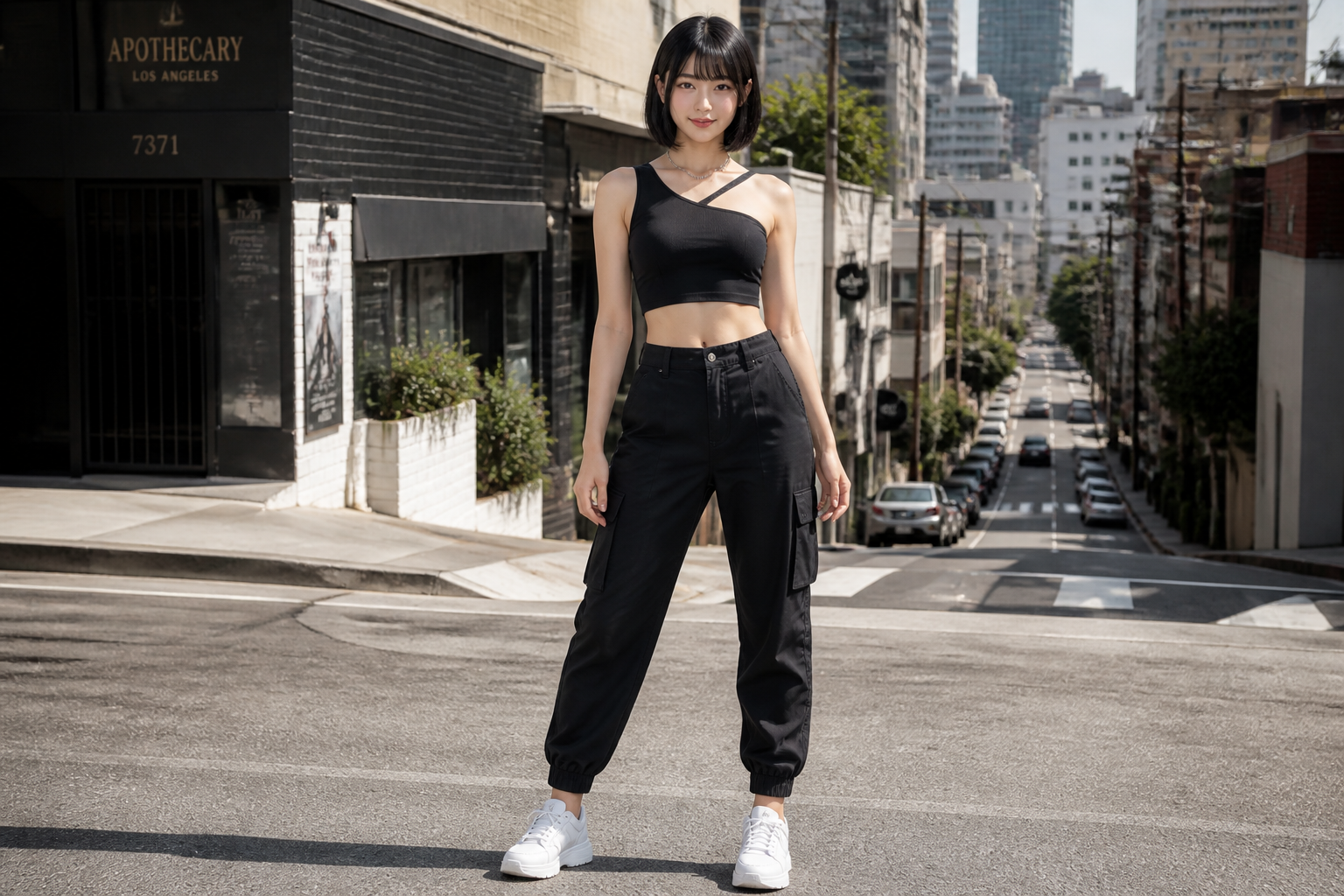 Input
InputExemple de sortie affiché ci-dessus. Le prompt et les paramètres sont pré-remplis à gauche.
Facturé à la seconde de votre vidéo importée : 720P $0.07/s · 1080P $0.112/s.
Modèles associés
README
Kling / Kling 2.6 Pro Motion Control — Video to Video (kling-v2-6-motion-control)
Kling 2.6 Pro Motion Control transfère les mouvements d'une vidéo de référence vers n'importe quelle image de personnage, créant des animations fluides et réalistes tout en préservant l'identité.
Points forts
- •Transfert de mouvement – Danse, gestes et transfert d'action vers les personnages.
- •Préservation de l'identité – Maintient l'apparence du personnage tout au long.
- •Durée flexible – Jusqu'à 30 secondes avec orientation vidéo.
- •Support audio – Option pour conserver le son original de la référence.
Paramètres
- •image* – Character reference image
- •video* – Motion reference video
- •prompt – Scene styling prompt (e.g., "cinematic lighting, golden hour")
- •resolution – Output resolution
- • 720P
- • 1080P
- •character_orientation – Character orientation mode
- • Video - Match reference video (up to 30s)
- • Image - Match reference image (up to 10s)
Tarification
$0.35 par génération
| Résolution | Prix |
|---|---|
| 720P | $0.07/s |
| 1080P | $0.112/s |
Comment utiliser
- 1.Téléchargez une image portrait de personnage.
- 2.Téléchargez une vidéo de référence avec le mouvement souhaité.
- 3.Sélectionnez le mode d'orientation du personnage.
- 4.Ajoutez optionnellement un prompt de style.
- 5.Générez la vidéo avec transfert de mouvement.
Autres modèles à essayer
•Créateurs de contenu : Faites danser ou agir les personnages.
•Marketing : Créez du contenu animé avec des personnages.
•Divertissement : Animation de personnages pour vidéos.
•Réseaux sociaux : Contenu engageant avec transfert de mouvement.
Related Guides
Frequently Asked Questions
What is the Kling 2.6 Pro Motion Control API?
Transfer motion from reference videos to character images.
How much does Kling 2.6 Pro Motion Control cost via API?
Kling 2.6 Pro Motion Control costs $0.3500 per generation through Renderful's API. No subscription required — pay only for what you use.
How do I use Kling 2.6 Pro Motion Control via API?
Sign up for a free Renderful API key, then send a POST request to the /v1/predictions endpoint with model "kling-v2-6-motion-control". See the documentation at renderful.ai/docs for code examples in Python, JavaScript, and cURL.
What type of content does Kling 2.6 Pro Motion Control generate?
Kling 2.6 Pro Motion Control is a video to video model by Kling. Key features include: Motion Transfer, Character Animation, 720P/1080P.
Is the Kling 2.6 Pro Motion Control API fast?
Kling 2.6 Pro Motion Control has medium generation speed. Results are delivered via polling or webhook callback for seamless integration.