Video to Video
Kling 2.6 Pro Motion Control
Transfer motion from reference videos to character images.
Hint: You can drag and drop a file or click to upload
Hint: You can drag and drop a file or click to upload
Beispiel
Input
Video
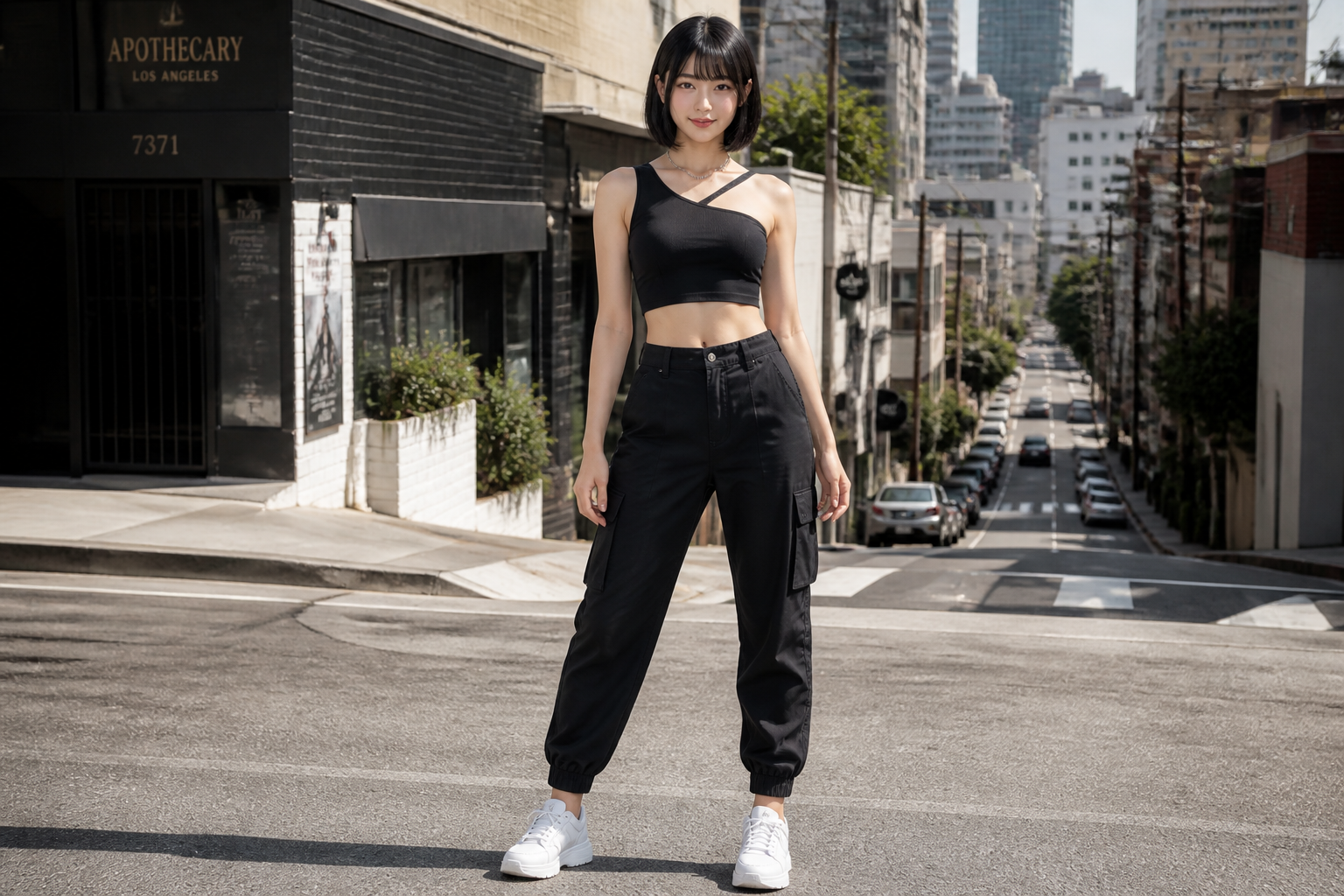 Input
InputBeispielausgabe oben gezeigt. Prompt und Einstellungen sind links vorausgefüllt.
Abgerechnet pro Sekunde Ihres hochgeladenen Videos: 720P $0.07/s · 1080P $0.112/s.
Ahnliche Modelle
README
Kling / Kling 2.6 Pro Motion Control — Video to Video (kling-v2-6-motion-control)
Kling 2.6 Pro Motion Control überträgt Bewegungen von einem Referenzvideo auf jedes Charakterbild und erstellt flüssige und realistische Animationen bei gleichzeitiger Identitätsbewahrung.
Highlights
- •Bewegungsübertragung – Tanz-, Gesten- und Aktionsübertragung auf Charaktere.
- •Identitätsbewahrung – Behält Charakteraussehen durchgehend bei.
- •Flexible Dauer – Bis zu 30 Sekunden mit Videoorientierung.
- •Audio-Unterstützung – Option, Originalton aus Referenz beizubehalten.
Parameter
- •image* – Character reference image
- •video* – Motion reference video
- •prompt – Scene styling prompt (e.g., "cinematic lighting, golden hour")
- •resolution – Output resolution
- • 720P
- • 1080P
- •character_orientation – Character orientation mode
- • Video - Match reference video (up to 30s)
- • Image - Match reference image (up to 10s)
Preise
$0.35 pro Generierung
| Auflösung | Preis |
|---|---|
| 720P | $0.07/s |
| 1080P | $0.112/s |
Anleitung
- 1.Laden Sie ein Charakterporträtbild hoch.
- 2.Laden Sie ein Referenzvideo mit gewünschter Bewegung hoch.
- 3.Wählen Sie Charakterorientierungsmodus.
- 4.Optional Styling-Prompt hinzufügen.
- 5.Generieren Sie bewegungsübertragenes Video.
Weitere Modelle zum Ausprobieren
•Content Creator: Lassen Sie Charaktere Tänze oder Aktionen ausführen.
•Marketing: Erstellen Sie animierte Charakterinhalte.
•Unterhaltung: Charakteranimation für Videos.
•Social Media: Ansprechende bewegungsübertragene Inhalte.
Related Guides
Frequently Asked Questions
What is the Kling 2.6 Pro Motion Control API?
Transfer motion from reference videos to character images.
How much does Kling 2.6 Pro Motion Control cost via API?
Kling 2.6 Pro Motion Control costs $0.3500 per generation through Renderful's API. No subscription required — pay only for what you use.
How do I use Kling 2.6 Pro Motion Control via API?
Sign up for a free Renderful API key, then send a POST request to the /v1/predictions endpoint with model "kling-v2-6-motion-control". See the documentation at renderful.ai/docs for code examples in Python, JavaScript, and cURL.
What type of content does Kling 2.6 Pro Motion Control generate?
Kling 2.6 Pro Motion Control is a video to video model by Kling. Key features include: Motion Transfer, Character Animation, 720P/1080P.
Is the Kling 2.6 Pro Motion Control API fast?
Kling 2.6 Pro Motion Control has medium generation speed. Results are delivered via polling or webhook callback for seamless integration.