Best AI Image Generation APIs in 2026
TL;DR
The best AI image generation APIs in 2026 include Flux Pro, Seedream 4.5, GPT Image, Recraft v3, and Ideogram 3, each excelling at different use cases from photorealism to text rendering. Renderful provides access to all of these models through a single REST API with pay-as-you-go pricing starting from $0.03 per image. One integration, one API key, no GPU infrastructure needed.
AI image generation has become essential for developers building creative tools, marketing platforms, and content apps. Whether you need photorealistic renders, illustrations, or images with embedded text, there's a model for it. This guide covers the best AI image APIs available in 2026 and how to choose the right one for your project.
Top AI Image Generation APIs
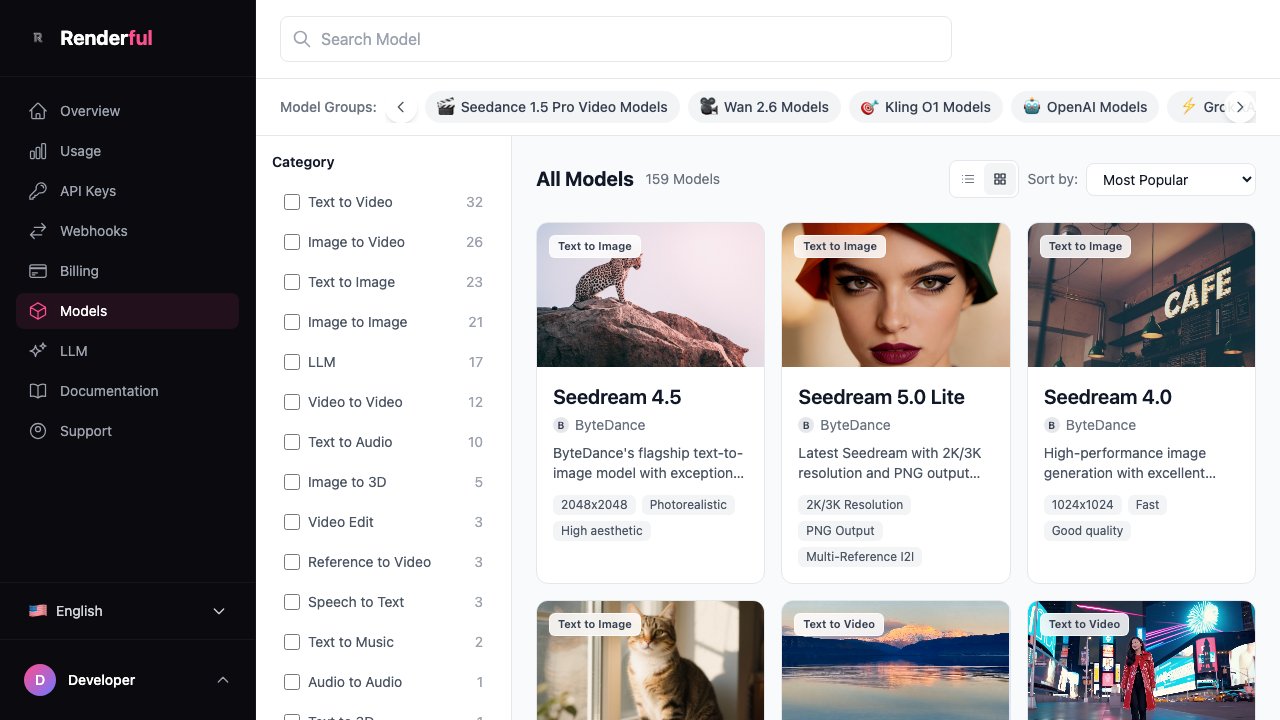
The following models are all available through Renderful's unified API. One integration gives you access to every model in the table — switch between them by changing a single parameter.
| Model | Provider | Best For | Speed | Price/Image |
|---|---|---|---|---|
| Flux Pro | Black Forest Labs | Production quality | Fast | ~$0.03 |
| Seedream 4.5 | ByteDance | Photorealistic images | Fast | ~$0.05 |
| GPT Image | OpenAI | Versatile generation | Medium | ~$0.05 |
| Recraft v3 | Recraft | Design & illustration | Fast | ~$0.04 |
| Ideogram 3 | Ideogram | Text in images | Medium | ~$0.05 |
How to Choose an AI Image API
Selecting the right AI image API depends on your specific requirements. Here are the key factors to evaluate:
Image Quality
Different models excel at different styles. Flux Pro produces the most consistent production-quality output, while Seedream 4.5 leads in photorealism. Recraft v3 is best for design and illustration work.
Generation Speed
If you need real-time or near-real-time results, prioritize models like Flux Pro and Seedream that return images in seconds. For batch processing, speed may matter less than quality.
Cost Per Image
Pricing ranges from ~$0.03 to ~$0.05 per image on Renderful. At scale, even small per-image differences add up. Consider your volume when selecting a model.
Model Variety
Using a unified API like Renderful lets you access multiple models through one integration. This means you can use the best model for each use case without maintaining separate integrations.
Ease of Integration
Look for well-documented REST APIs with webhook support, SDKs in your language, and clear error handling. Renderful provides all of these out of the box.
Getting Started
Getting started with AI image generation through Renderful takes minutes. Sign up for an API key, then make a single API call. Here's an example using Flux Pro:
curl -X POST https://api.renderful.ai/api/v1/generations \
  -H "Authorization: Bearer YOUR_API_KEY" \
  -H "Content-Type: application/json" \
  -d '{
    "model": "flux/flux-pro",
    "input": {
      "prompt": "A modern office workspace with natural lighting and minimalist design",
      "width": 1024,
      "height": 1024
    },
    "webhook": "https://your-app.com/webhook"
  }'
The API is asynchronous — your webhook will receive the completed image once generation finishes. To use a different model, simply change the model parameter (e.g. bytedance/seedream-4.5 or openai/gpt-image).
Why Use a Unified API
Instead of integrating with each model provider separately, a unified API like Renderful gives you significant advantages:
One Integration for All Models
Integrate once with Renderful and get access to Flux Pro, Seedream, GPT Image, Recraft, Ideogram, and more. No need to manage multiple API keys, SDKs, or authentication flows.
Switch Models Without Code Changes
Change the model parameter in your API call to switch between providers. A/B test different models, upgrade to newer versions, or fall back to alternatives — all without touching your integration code.
Consistent Webhook Delivery
Every model returns results through the same webhook format. Your application handles one response structure regardless of which model generated the image.
Frequently Asked Questions
What is the best AI image generation API?
How much do AI image APIs cost?
Can I generate images from text with an API?
Which AI image model has the best quality?
Do I need a GPU to use AI image APIs?
Related Articles
Start Generating AI Images
Create your Renderful account, get free credits, and start generating images with Flux Pro, Seedream, GPT Image, and more through a single API.