Image to Video
Kling v3.0 Standard
Next-gen Kling image-to-video with audio.
Hint: You can drag and drop a file or click to upload
Hint: You can drag and drop a file or click to upload
Add images (0/7)
Upload up to 7 images
ตัวอย่าง
Input
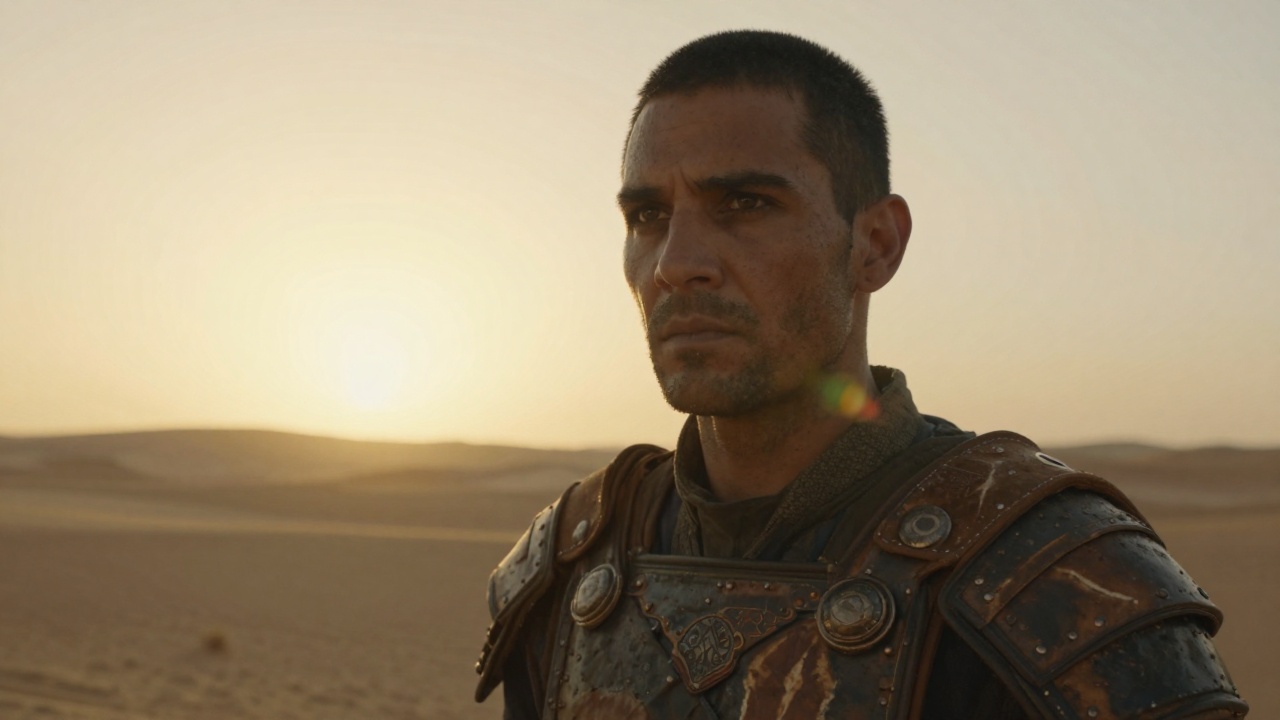 Input
Inputผลลัพธ์ตัวอย่างแสดงด้านบน พรอมต์และการตั้งค่าถูกกรอกไว้แล้วทางซ้าย
คำขอของคุณจะมีค่าใช้จ่าย $0.39 ต่อการรัน ($0.078/s) สำหรับ $10 คุณสามารถรันโมเดลนี้ได้ประมาณ 25 ครั้ง
อีกหนึ่งเรื่อง:
โมเดลที่เกี่ยวข้อง
README
Kling / Kling v3.0 Standard — Image to Video (kling-v3-std)
Kling v3.0 Standard image-to-video animates your images with next-gen quality.
จุดเด่น
- •Image animation – Bring static images to life with natural motion.
- •End image support – Guide the animation with an optional end frame.
- •Element references – Provide up to 7 reference images for subject consistency.
- •Audio generation – Optional synchronized audio output.
- •Next-gen quality – Major improvements in visual fidelity.
พารามิเตอร์
- •image* – Source image (start frame) to animate
- •prompt – Description of the motion/animation
- •negative_prompt – Things to avoid in the video
- •end_image – Optional end frame image for guided animation
- •elements – Up to 7 reference element images. Elements are automatically referenced in the prompt.
- •duration – Video duration in seconds (3-15)
- • 3 seconds
- • 4 seconds
- • 5 seconds
- • 6 seconds
- • 7 seconds
- • 8 seconds
- • 9 seconds
- • 10 seconds
- • 11 seconds
- • 12 seconds
- • 13 seconds
- • 14 seconds
- • 15 seconds
- •cfg_scale – Classifier Free Guidance scale (0-1)
- •sound – Enable audio generation (increases cost by 1.5x)
ราคา
$0.39 ต่อการสร้าง
วิธีใช้งาน
- 1.Upload a source image (used as start frame).
- 2.Optionally add an end frame or element reference images.
- 3.Describe the desired motion.
- 4.Choose duration and enable sound if needed.
- 5.Submit and wait for processing.
โมเดลอื่นที่น่าลอง
•Image animation: Animate photos and artwork.
•Marketing: Create engaging video from product images.
•Creative projects: Bring ideas to life from a single image.
Related Guides
Frequently Asked Questions
What is the Kling v3.0 Standard API?
Next-gen Kling image-to-video with audio.
How much does Kling v3.0 Standard cost via API?
Kling v3.0 Standard costs $0.3900 per generation through Renderful's API. No subscription required — pay only for what you use.
How do I use Kling v3.0 Standard via API?
Sign up for a free Renderful API key, then send a POST request to the /v1/predictions endpoint with model "kling-v3-std". See the documentation at renderful.ai/docs for code examples in Python, JavaScript, and cURL.
What type of content does Kling v3.0 Standard generate?
Kling v3.0 Standard is a image to video model by Kling. Key features include: 3-15s videos, Audio generation, Improved motion.
Is the Kling v3.0 Standard API fast?
Kling v3.0 Standard has slow generation speed. Results are delivered via polling or webhook callback for seamless integration.