Image to Video
Kling v3.0
Next-gen Kling image-to-video with std/pro/4k modes.
Hint: You can drag and drop a file or click to upload
Hint: You can drag and drop a file or click to upload
Add images (0/7)
Upload up to 7 images
예제
Input
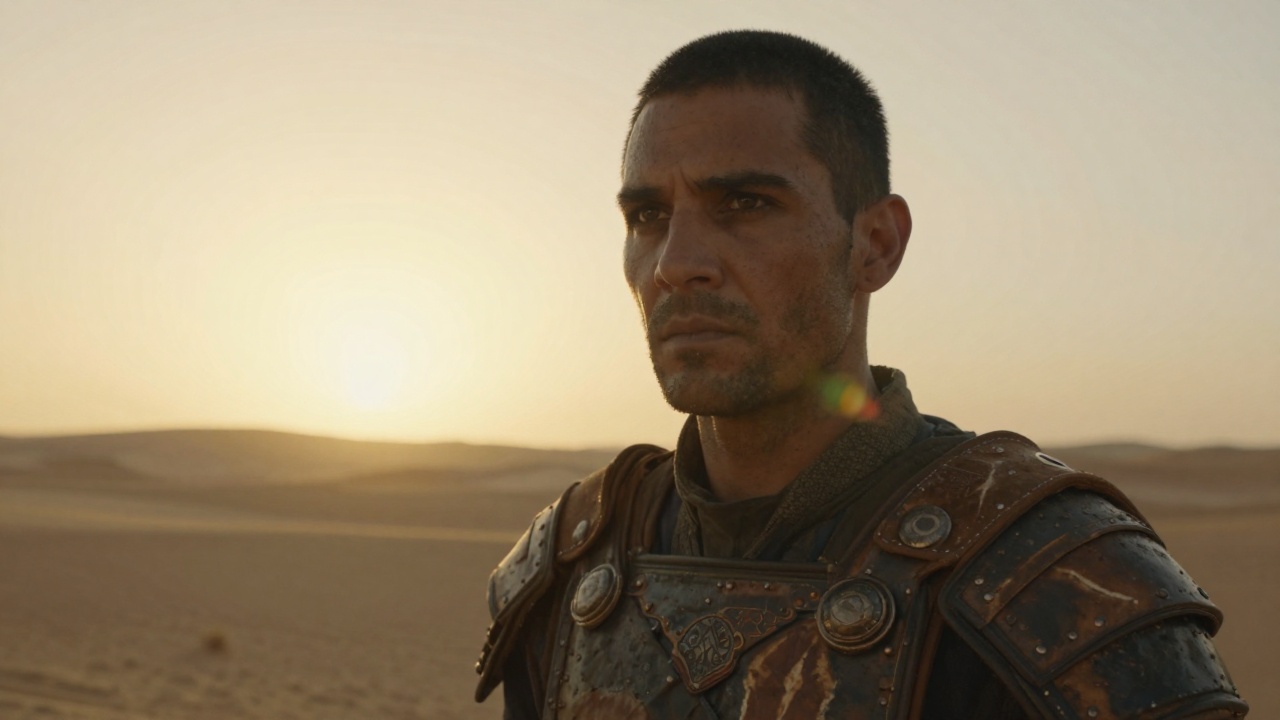 Input
Input위에 표시된 샘플 출력입니다. 프롬프트와 설정이 왼쪽에 미리 입력되어 있습니다.
요청 비용은 $0.42 (1회당) ($0.084/s) For $10 로 약 23 회 실행할 수 있습니다.
추가 기능:
관련 모델
README
Kling / Kling v3.0 — Image to Video (kling-v3)
Kling v3.0 image-to-video animates your images with next-gen quality at the tier of your choice.
하이라이트
- •Three tiers in one model – std (720p), pro (1080p), 4k (2160p).
- •Image animation – Bring static images to life with natural motion.
- •End image support – Guide the animation with an optional end frame.
- •Element references – Provide up to 7 reference images for subject consistency.
- •Audio generation – Optional synchronized audio output.
파라미터
- •image* – Source image (start frame) to animate
- •prompt – Description of the motion/animation
- •negative_prompt – Things to avoid in the video
- •end_image – Optional end frame image for guided animation
- •elements – Up to 7 reference element images. Elements are automatically referenced in the prompt.
- •mode – Output quality tier (std=720p, pro=1080p, 4k=2160p). Higher tiers cost more.
- • Std (720p)
- • Pro (1080p)
- • 4K (2160p)
- •duration – Video duration in seconds (3-15)
- • 3 seconds
- • 4 seconds
- • 5 seconds
- • 6 seconds
- • 7 seconds
- • 8 seconds
- • 9 seconds
- • 10 seconds
- • 11 seconds
- • 12 seconds
- • 13 seconds
- • 14 seconds
- • 15 seconds
- •cfg_scale – Classifier Free Guidance scale (0-1)
- •sound – Enable audio generation (increases cost by 1.5x)
요금
$0.42 생성당
사용 방법
- 1.Upload a source image (used as start frame).
- 2.Optionally add an end frame or element reference images.
- 3.Describe the desired motion.
- 4.Choose mode tier, duration, and enable sound if needed.
- 5.Submit and wait for processing.
추천 모델
•Image animation: Animate photos and artwork.
•Marketing: Create engaging video from product images.
•Broadcast: 4K mode for hero pieces.
Related Guides
Frequently Asked Questions
What is the Kling v3.0 API?
Next-gen Kling image-to-video with std/pro/4k modes.
How much does Kling v3.0 cost via API?
Kling v3.0 costs $0.4200 per generation through Renderful's API. No subscription required — pay only for what you use.
How do I use Kling v3.0 via API?
Sign up for a free Renderful API key, then send a POST request to the /v1/predictions endpoint with model "kling-v3". See the documentation at renderful.ai/docs for code examples in Python, JavaScript, and cURL.
What type of content does Kling v3.0 generate?
Kling v3.0 is a image to video model by Kling. Key features include: 3-15s videos, std / pro / 4K modes, Audio generation.
Is the Kling v3.0 API fast?
Kling v3.0 has slow generation speed. Results are delivered via polling or webhook callback for seamless integration.